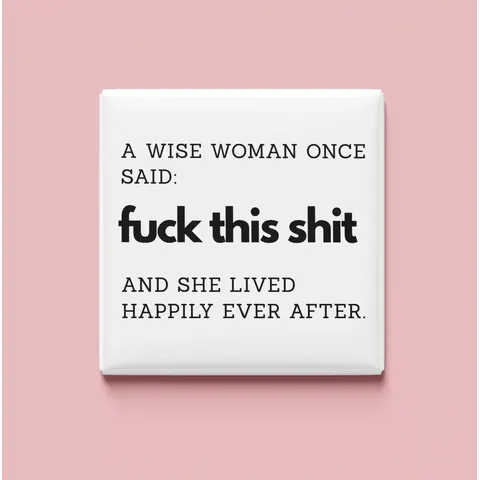
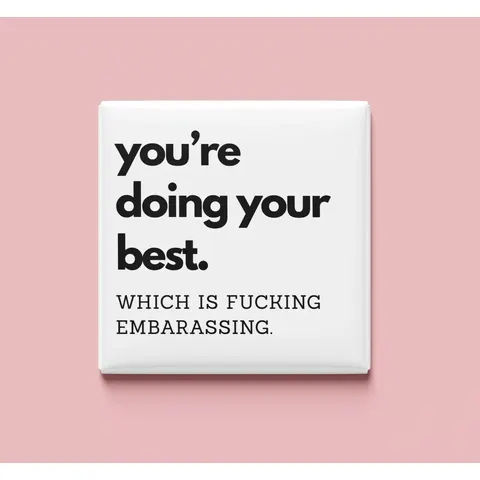
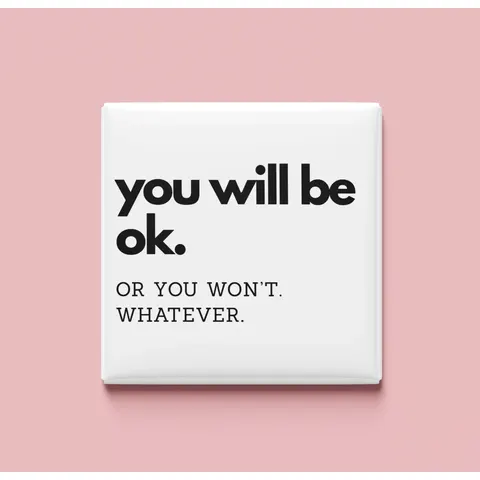
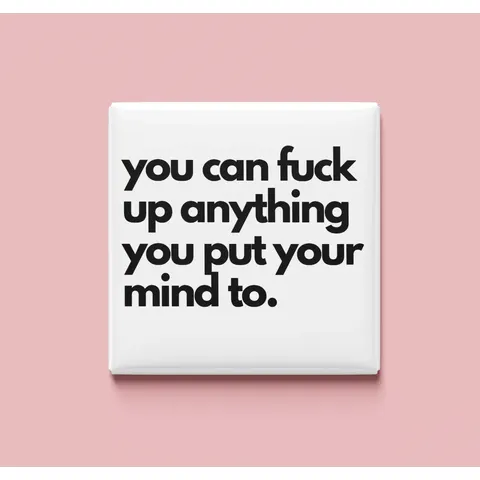
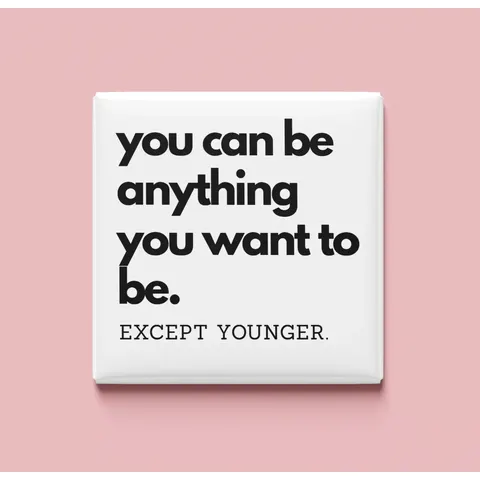
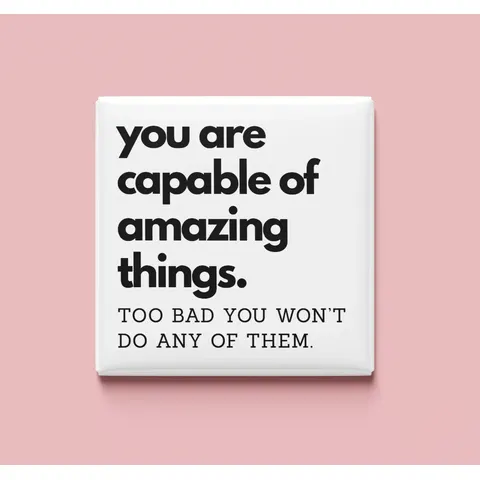
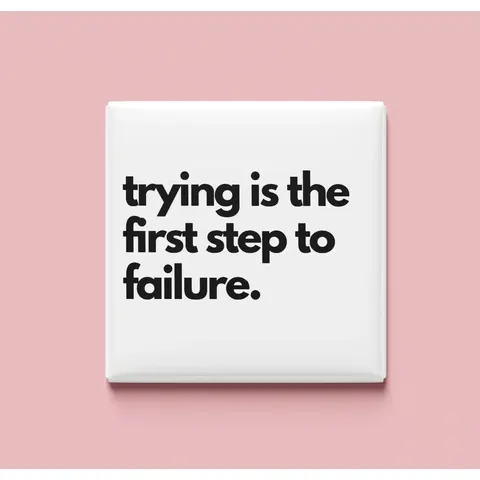

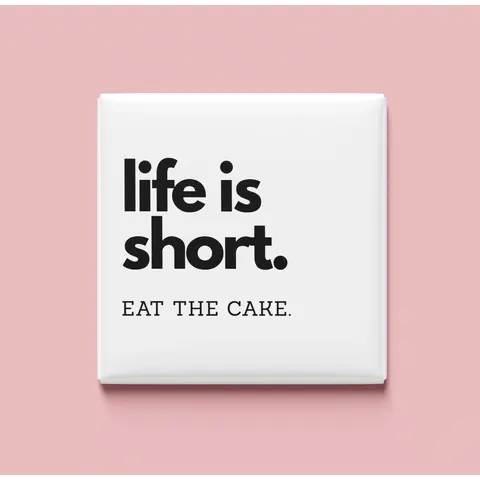
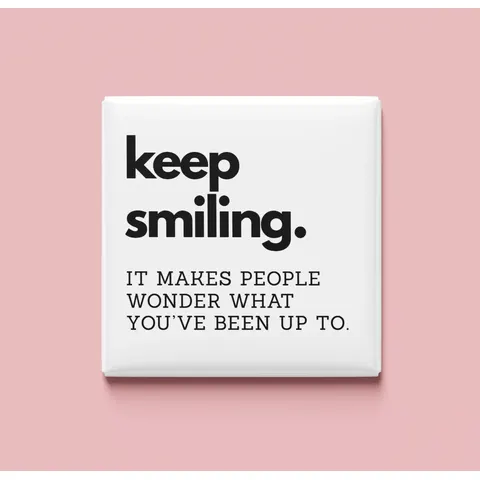
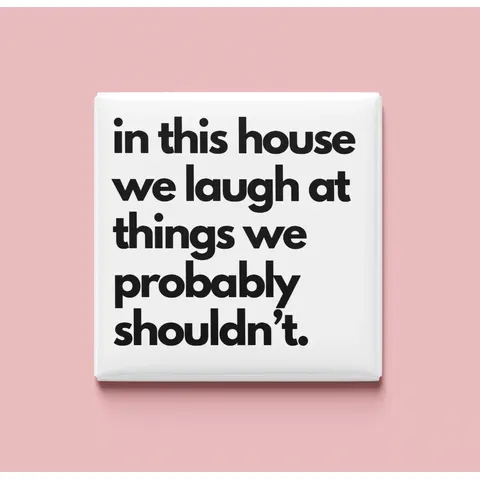
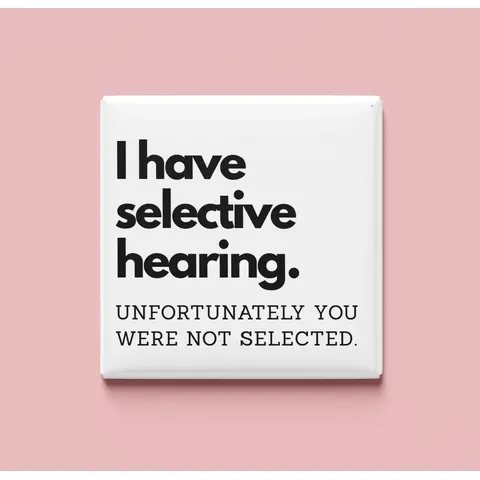
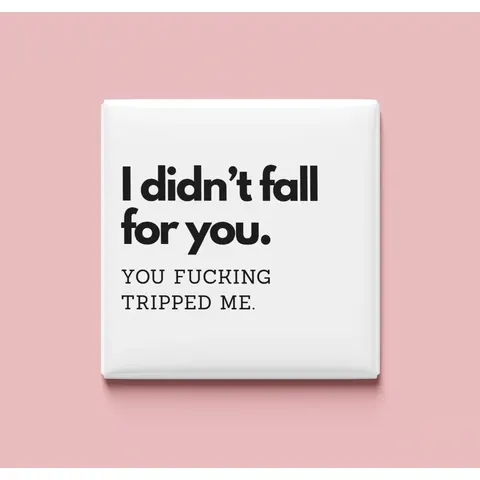
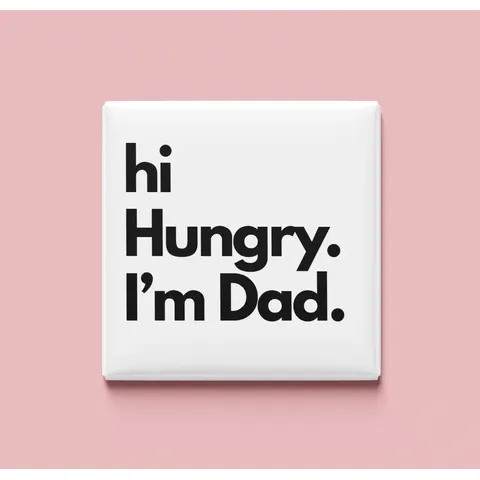
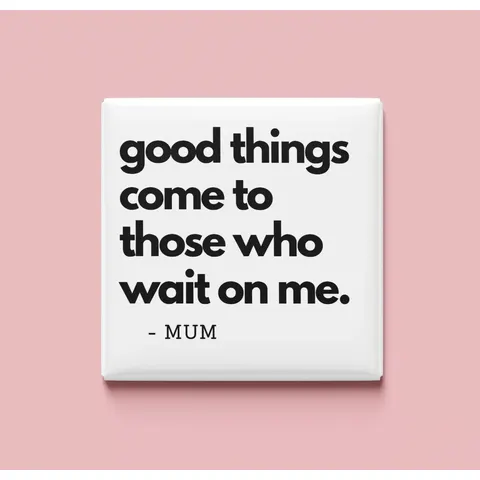
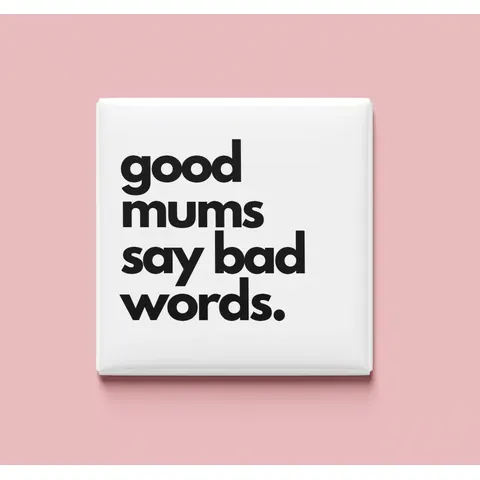
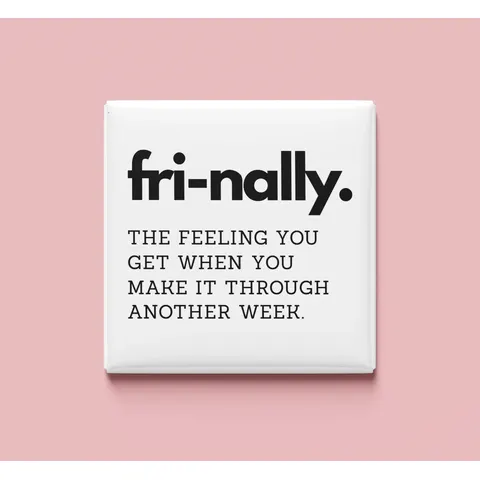

Don't let anyone tell you you're not good enough Magnet
A$4.95
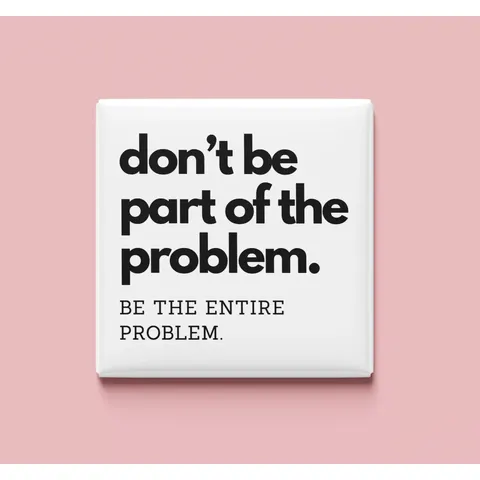
Don't be part of the problem Magnet
A$4.95
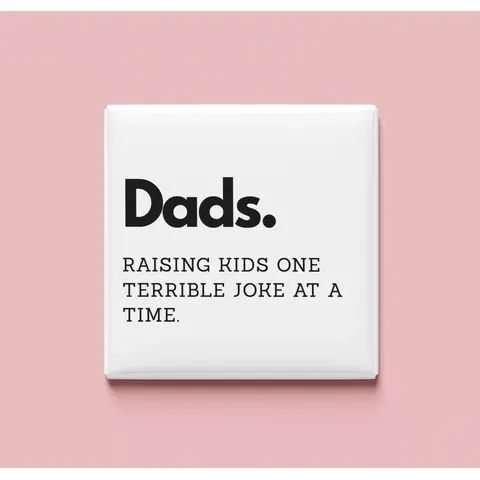
Dads. Raising kids... Magnet
A$4.95
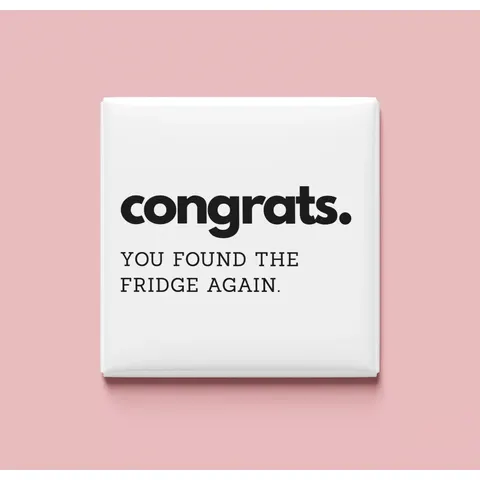
Congrats Magnet
A$4.95
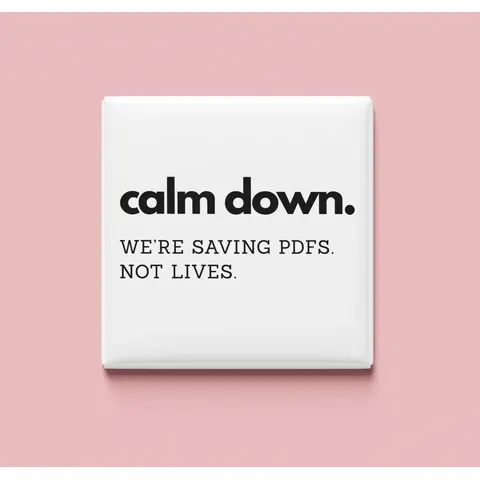
Calm Down Magnet
A$4.95
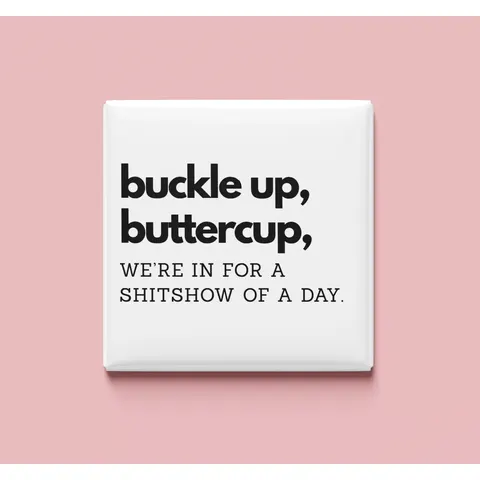
Buckle Up Buttercup Magnet
A$4.95
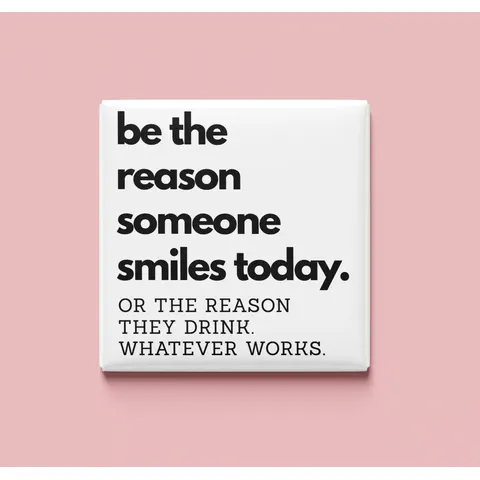
Be the reason someone smiles Magnet
A$4.95
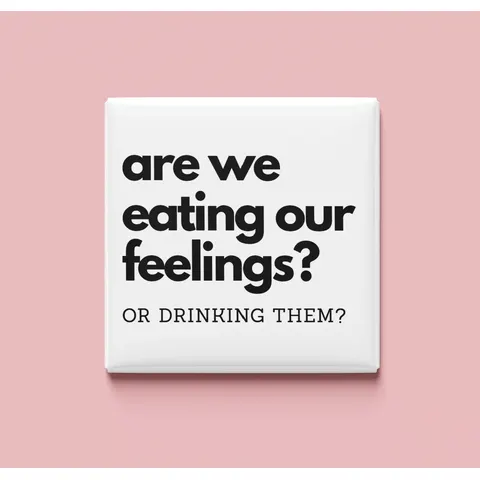
Are we eating our feelings? Magnet
A$4.95
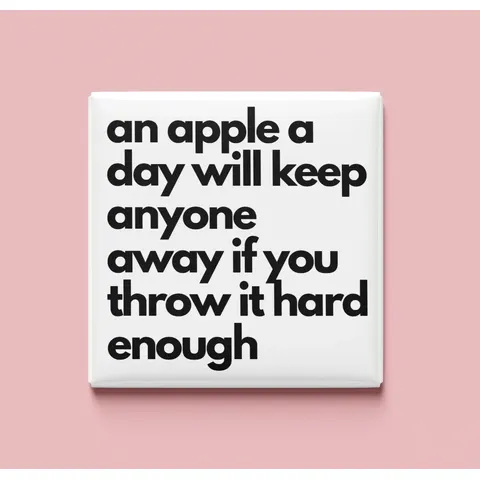
An apple a day Magnet
A$4.95
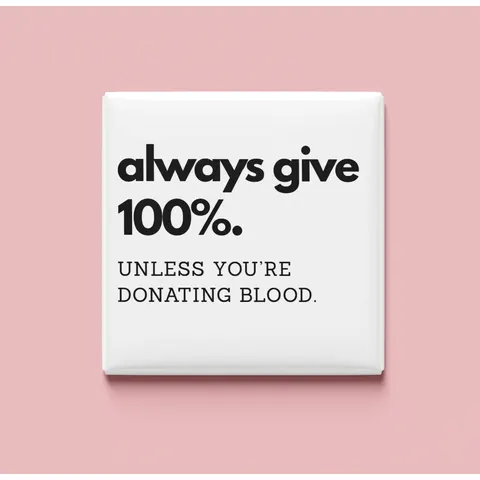
Always give 100% Magnet
A$5.95
Classic 2.5" Magnet
Generic Press
A$32.95
6‑Pack Classic 2.5" Magnets
A$49.95
9-Pack Classic 2.5" Magnets
A$24.95
4‑Piece Magnet Puzzle
A$49.95
9‑Piece Magnet Puzzle
Our Story
Evie B Paperie began as a tiny creative studio making prints, cards and custom paper pieces filled with love. After taking a short break to reset and dream up something new, we’ve returned with a fresh chapter - creating personalised magnets that turn your favourite moments into sweet keepsakes!
We’re also stepping out from behind the screen and into the community. Soon, you’ll find us at local markets, private events and even weddings, creating magnets on the spot so your guests can take home a meaningful little treasure made just for them.
Same heart, new direction and we can’t wait to share it with you.
Square Magnet
Loading gallery...Pulling in artwork you can use right now.
No gallery images availableThere are no premade images available for this view yet.
📸
Square Magnet
Tap or Drag Photos
High quality JPG, PNG or HEIC
Converting iPhone photo...
Move photo
Empty Space Fill
Event Complete
This event is now full
No more guest magnets can be made right now.
Template media (PDF, photos, customer info) is automatically cleared after 7 days. You can download template media via the download button and/or image thumbnails.
My Templates0
✨
Your Studio is Clean
No active templates found. Upload some photos and create one!
7 DaysStorage Life
AutomaticTemplate Cleanup
Storefront design
Storefront Access
Storefront QR
Magtool backup QR
Shareable Links
Storefront link
Generating...
Link Copied!
Magtool backup link
Generating...
Link Copied!
Your original Magtool link and old QR codes keep working.
https://.missmagnets.com
No custom domain requested yet.
Checking status...
Toggle your storefront open & closed here. You can style your 'closed' page in the storefront editor.
Gallery Hidden
Allow your guests to choose from your gallery images as well as uploading.
Photo Editing Enabled
Allow your guests to edit photos after cropping. Only affects your guests, you can always edit.
Guest editing tools
Choose which tools guests can use. At least one must remain enabled.
Storefront Language
Choose the default language for guest-facing storefront labels, checkout text, contact forms and order status messages.
Customer Info & Notifications
Email order notificationsThese are for you - when an order comes through your storefront, get an email to notify you with the details.
Currently sending to Enter an email used only for notifications.
Choose which customer details you'd like to take and toggle notifications on or off.
NameUseful for pickup labels and matching orders to customers. If shipping is enabled, this is automatically required.
EmailUseful for digital receipts or collection questions.
PhoneUseful if you need to contact the customer via phone call or SMS.
AddressUse for delivery details or postal orders. If shipping is enabled, this is automatically required.
Social Media ConsentAsk a customer if they consent to their images being used on social media.
Copyright confirmationAsk guests to confirm they have the rights to print images they upload themselves. Gallery images do not need this confirmation.
Phone push notifications / pick-upEnable phone push notification alerts for the customer - used for in-person and same day live events. Not all devices are supported but if they are, the customer can allow them and get a push notification when you mark the order ready.
Customer email receipts & pick-up notificationSend an email to the customer when their order is completed with the details, and a follow-up email when you mark the order ready for pick up or shipped.Emails are securely sent from hello@missmagnets.com. You can customise the displayed sender name and where customer replies are delivered.
Have your own domain email?
Set up an email address from your domain for customer notifications.
OptionalOpen setupHide setup
Note:
You’ll need an existing email address on your domain first, such as hello@yourdomain.com.
If you only bought a domain and haven’t set up email hosting yet, set that up before continuing.
Guest Payments
Pay In Person Enabled
Let guests send orders and pay you at the stall by cash, card reader, bank transfer, or another in-person method.
Card Payments Hidden
Enable hosted card checkout on your stall for guests.
Choose Stripe or Square below. The selected provider securely handles card payment pages, receipts, and payment processing; Magtool does not collect card details.
Select Your Payment Provider
Connect your preferred payment provider before enabling card checkout.
Stripe not connected
Connect Stripe later to let stall guests pay you directly.
Not connected
Set Up Stripe
Connect your Stripe account.
Stripe Dashboard
Open your Stripe dashboard to view payments and payouts.
Square not connected
Connect Square to let guests pay you through Square Checkout.
Not connected
Set Up Square
Connect your Square seller account.
Square Dashboard
Open your Square dashboard to view payments and payouts.
×
Set Up Stripe
Payments are securely handled by Stripe. Before starting setup, please select your business country.
Note: This cannot be changed later via Stripe, so ensure you select correctly.
Guest Page Branding
Optional text will appear here under the logo on your guest page.
0/15000
Guest Success Ticket Note
Add an optional note that guests see after they place an order, above their order reference.
0/500
Products & Pricing
Configure pricing, discounts and product information here. When you're finished, click the 'Save Details' button at the bottom to save your changes.
Shipping
Choose how guests receive orders, then set shipping rates and delivery zones. Product weights are set in the products section above.
Event Mode
Setup or schedule events, with each event having it's own products, purchase limits, storefront theme and more. Each event has it's own QR code and access link.
User Accounts
Admin Broadcast
Email Users
Write once, preview, send yourself a test, then send to active users, all users, or selected accounts.
Preview first to calculate recipients.
Preview
×
New Account
💎
Out of Credits
Your credits balance is empty.
Current Balance
0Credits Available
💎
Redeem Coupon
Need a pass?
Choose an unlimited Magtool pass and pay securely with Stripe.
Standard Magtool
One pass unlocks everything
Unlimited Magtool access, card payments, and custom products in your storefront.
0Photo Tray / Cart▲
Tip: Click a photo to make a copy.
Printer Checklist
These settings are for Magtool default templates.
For your custom templates, feel free to use other settings if you know they work for you.
📏Scale: Set to 100% or Actual Size
📐Margins: Set to None or 0
🚫Fit to Page: Ensure this is OFF
🚫Borderless: Ensure this is OFF
⚠ Measure the ruler line on the template and it should be exactly 30mm!
×
My Credits / Pass
✓ Unlimited Pass Active
Expires in
What is a pass?
A pass is simply entry to Magtool. An active pass = access to Magtool. If a pass expires, don't worry - your account is still there, waiting until you gain access again.
Can I stack passes?
You can stack passes. e.g If you have 3 days left on a pass, and you purchase a 7 day pass, you then have 10 days.
Current Balance
0Credits Available
💎
Redeem Coupon
Need a pass?
Choose an unlimited Magtool pass and pay securely with Stripe.
Standard Magtool
One pass unlocks everything
Unlimited Magtool access, card payments, and custom products in your storefront.
×
Template Builder
+
Got a fave template already?
You can now use that directly in the Magtool app - just set it up once and it'll be available as a magnet style for template generation.
Shipping video guide
This guide is hosted by YouTube. If you load it, YouTube may set cookies or process usage data under its own privacy terms.
Only load the video if you are happy for YouTube content to be embedded here.
Guide image coming soon
400 × 1000 px
Event mode video guide
This guide is hosted by YouTube. If you load it, YouTube may set cookies or process usage data under its own privacy terms.
Only load the video if you are happy for YouTube content to be embedded here.
×
Puzzle Setup
Which square magnets are you using for this puzzle?